Browser Games That Work One-Handed on a Phone
Most lists of phone-friendly browser games are lists of games that happen to load on a phone. That is a much weaker claim than it sounds. Almost everything on this site loads on a phone. The question worth answering is narrower and more useful: which of these games can you actually play with one hand, holding the phone the way you are already holding it, without turning it sideways and without needing a second thumb.
Two properties decide that, and only one of them is usually published anywhere.
Orientation is not a preference
Every game in our catalogue is recorded as either landscape or portrait. That is not a setting or a recommendation — it is the shape the game’s canvas was built for. A landscape game opened in a portrait browser window does one of three things: it shrinks into a letterboxed strip across the middle of your screen, it asks you to rotate the device, or it scales up and pushes half its interface out of view. None of those are usable while you are standing on a train.
Portrait games have the opposite problem in reverse, and almost nobody cares, because the portrait phone is where they are being played anyway.
So the first filter is mechanical: portrait only. Every game below is a portrait game. That single property removes more than half of what we carry, and it removes it before any question of taste comes into it.
The second filter is what your thumb has to do
Orientation gets the game onto the screen. Input decides whether you can play it with the hand that is already holding the phone.
Some games need two thumbs at opposite corners. Some need a virtual joystick, which is the worst of both worlds — it occupies a thumb permanently and it is less precise than the keyboard it is imitating. What survives one-handed is a narrower set: games where the interaction is a single tap, a short swipe, or a drag that starts and ends inside the reachable arc of one thumb.
That constraint is not a compromise. It is the design brief for an entire class of games, and the ones that take it seriously are better for it.
Tap on a timer
The purest one-handed format is a single button and a clock. Everything else is removed, and what is left is timing.
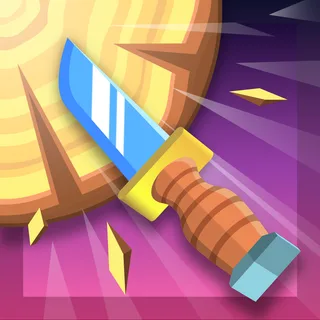
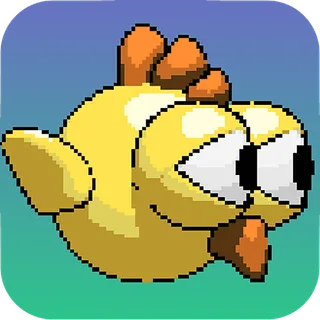
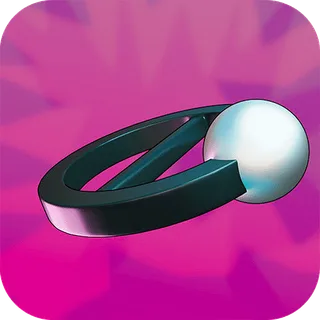
Knife Smash is described by its publisher as very simple one-touch gameplay: you throw knives at spinning targets, timing each throw and aiming for the space you actually have. Cerkio works the same way — touch the screen at the right time to throw a ball into a white circle — and its publisher explicitly calls it a one-hand game, which is a rarer piece of honesty in this catalogue than it should be. Going Up gives you a bird that flies upward while you touch the screen, with obstacles and a nest somewhere above them.
Helix Blitz sends a ball of paint down a tower of helixes, and the helixes themselves are what you are avoiding. Piano Tiles is here for a different reason: its publisher blurb says nothing at all beyond “get the best score”. It is a portrait game and the title is the whole explanation, and that is as far as the evidence goes. We have not embellished it, because there is nothing there to embellish, and we have not confirmed what it asks of your thumb either.
These are the games for the ninety seconds while a kettle boils. They start instantly and a single attempt is over in seconds.
Swipe and gesture
A short swipe is still one-handed, and it buys a second dimension of control.
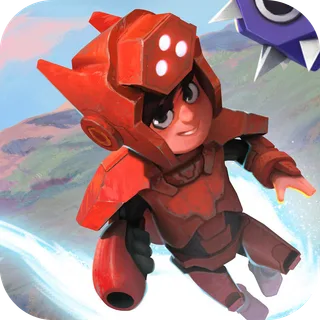
Swipy Basketball has you flick the ball toward the hoop, with stars to collect and skins to unlock as a progress layer over what is fundamentally an aiming game. Dash Masters combines both inputs: the publisher documents a tap to jump in alternating directions and a swipe up to dash, which is about as much input complexity as a one-handed game can carry before it starts wanting your other hand.
Sort, place, connect
The third group is where one-handed play stops being a limitation at all. Board-based puzzles were always going to be the format’s natural home: the board is static, the input is a tap or a short drag, and not one of the five below mentions a clock.
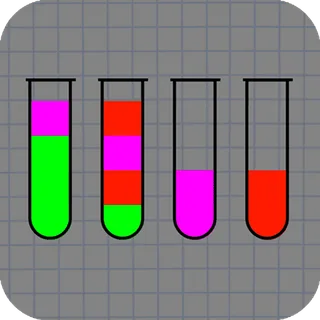
Water Sort Puzzle is the current archetype — tap one glass to pour it into another, and keep going until each glass holds a single colour. The constraint that makes it a puzzle rather than a chore is that you can only pour onto the same colour, and only when there is room for it.
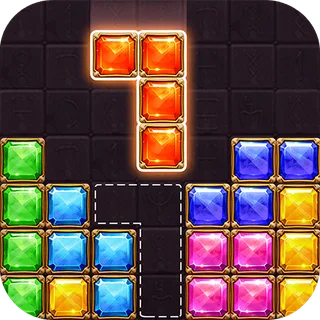
Block Puzzle Jewel and 10 Blocks are both descendants of the same grid-filling idea: blocks go onto a grid, and a row or a column clears as soon as it is complete, horizontally or vertically. They differ in the details rather than the concept. 10 Blocks gives you a single-use gravity button as an escape hatch when you have painted yourself into a corner, which is an unusually generous piece of design for the genre and worth knowing about before you get stuck.
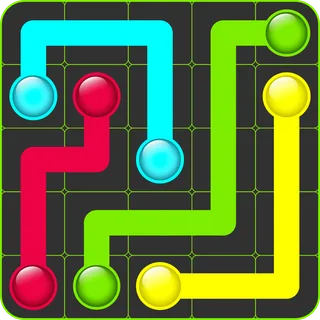
Flow Mania asks you to connect pairs of coloured dots with pipes that cannot cross, and to cover the whole board while doing it — the second half of that rule is what turns it from a puzzle into a good puzzle. Get 10 is a number-merging game — find and connect numbers to reach a higher one — in the family that 2048 made unavoidable.
What we have not told you
We have described what each of these games is, what shape it comes in, and what it asks your thumb to do. Those come from the catalogue and from what each publisher documents.
We have not told you how hard any of them get, how far you will get on a first run, or how they feel after twenty minutes. Nobody who wrote this page has that information, and inventing it is exactly the thing that makes browser game lists useless. What is above is the filter. The judgement about whether a game is any good is one you can make in about a minute, which is the other advantage of a format with nothing to install.